HiggsfieldVideo and images
It turns the finished prompts into shots. This is the one we recommend: it connects to Claude with a connector, so generation starts right from there.
Open a Higgsfield account ↗AI film planning
Describe your film in a sentence or two. Weblock AI Studio writes the script, breaks it into shots, writes a ready prompt for every shot and plans the sound. On Basic, generation runs in your own account: Higgsfield, Kling or whatever you like.
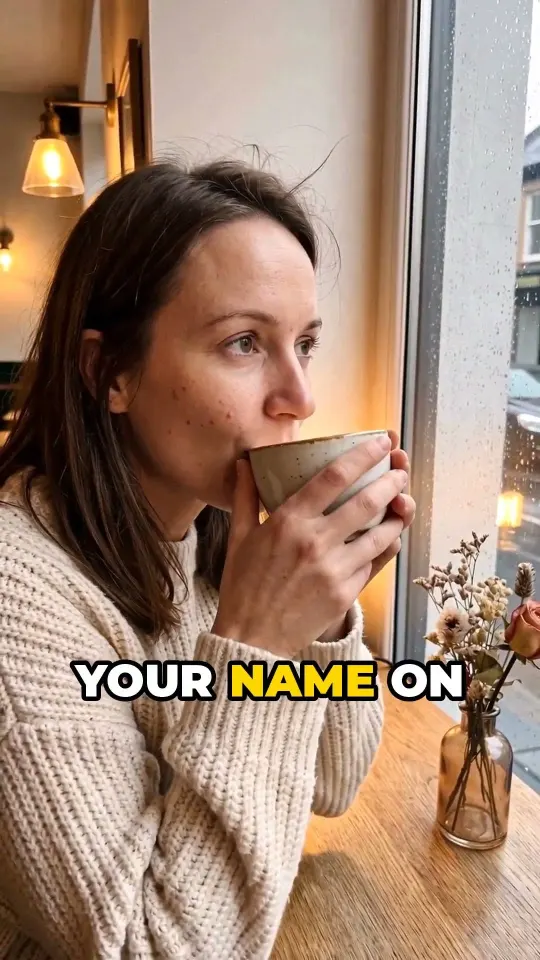
A 30-second ad for a craft coffee shop, rainy evening mood.
Macro push-in on steam curling from a ceramic cup, warm tungsten light, rain streaks on the window behind
Wide establishing shot, corner café glowing at dusk, wet cobblestones mirroring neon, passer-by with umbrella
Barista pours latte art, hands in sharp focus, shallow depth of field, amber practical lights
Regular customer smiles at first sip, natural skin texture, soft rim light from the counter
Logo card on chalkboard, camera pulls back through the doorway into the rain
Music: ElevenLabs Music, lo-fi jazz, 84 BPM · SFX: rain, cup clink · Captions: clear of the buttons
Writes prompts for these models
Weblock AI Studio writes the plan and the prompt for every shot. On Basic, these three services make the images, the video and the sound on your own subscriptions, and their fees are not included in the Weblock AI Studio price. On Pro and Studio, we make your film with the same services on our accounts, from your monthly film allowance (Pro: 4, Studio: 10 films), so you don't need a separate subscription.
It turns the finished prompts into shots. This is the one we recommend: it connects to Claude with a connector, so generation starts right from there.
Open a Higgsfield account ↗
Narration and character voices, music and sound effects, following the sound plan.
Open an ElevenLabs account ↗
When a character speaks to camera, HeyGen matches their mouth movements to the voice.
Open a HeyGen account ↗Affiliate link: if you subscribe through it, we may earn a commission. It costs you nothing extra.
01
If you have Claude, you work there. If you don't, you work in your browser.
Download the 33 skills, upload them to Claude once and connect the Weblock AI Studio connector. From then on, just tell it what film you want and it walks you through the plan. Connect the Higgsfield and ElevenLabs connectors as well, and the generation starts in Claude too, using your own credits. If someone speaks to camera, connect HeyGen as well.
Type in your idea and the plan comes together step by step. Next to every shot there's a button that copies the prompt and opens the right model for it on Higgsfield. On Pro and Studio the monthly allowance covers about 16–33 films.
The skills load their full, always up-to-date text through it, so in Claude it's a must. On Pro and Studio, the films you plan in Claude show up in the Workshop too.
02
Not an empty chat box where you have to come up with the right question. The Workshop and the skills know the order of things, and they stop at every step so that you make the call.
Who the film is for, where it will run, how long it is and how many credits you want to spend. You answer with a click, not by staring at an empty box.
Script, shot list, characters and locations. Every shot gets a label: someone speaks on camera, a voiceover runs over it, or it is picture only.
One per model, in the language that model understands: Higgsfield, Kling, Seedance, Nano Banana, HeyGen. Each one comes with a line on why it picked that model.
Before every paid step it shows what it will cost in credits and how much of your budget is left. Nothing moves on until you approve it.
Before handover it runs through the checklist: hands, face, lip sync, subtitles, loudness. If it finds a problem, it tells you what to change in the prompt.
03
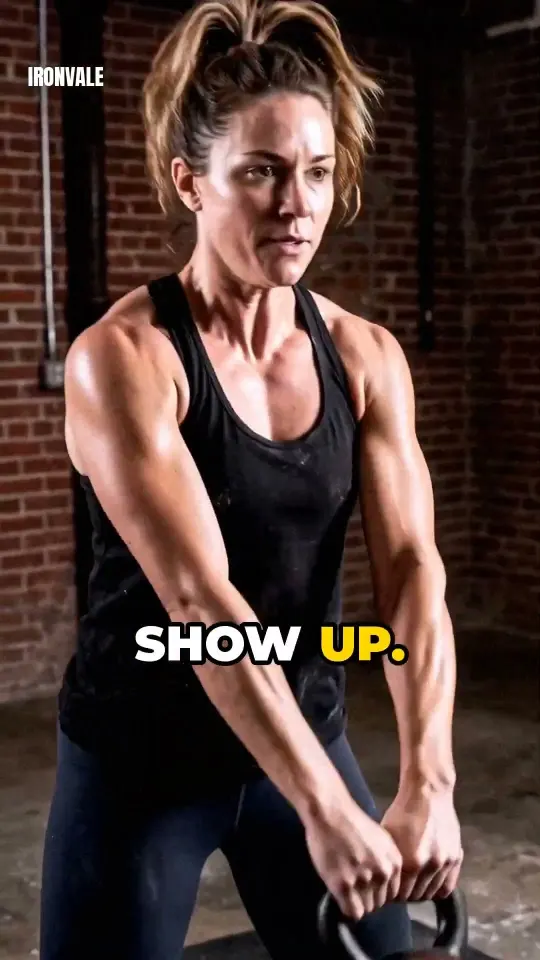
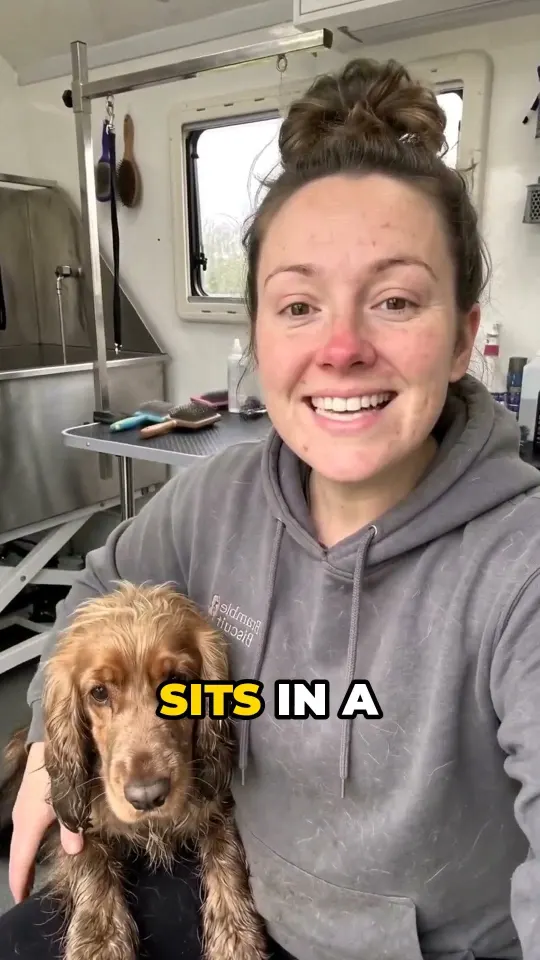
Short ads for made-up brands, made with AI. Each one started as a sentence or two, and the plan broke it down into shots, prompts and sound.
04
Everything we have learned making AI films, including from the generations that failed. The Workshop plans with these rules, and you get them as skills too.
From a one-line idea to a scene breakdown. A hook in the first two seconds, a turn in the middle, a payoff at the end.
Multi-angle character sheets, a face fix for realistic skin, and clear rules on what keeps a character recognisable.
Blinking, breathing, a lopsided smile, and 63 small, true-to-life imperfections to pick your character's own from.
Moves and angles grouped by what you want the viewer to feel: tension, energy or closeness.
Lip sync that works beyond English, sound mixing, music, and burnt-in subtitles that stay clear of the platform's buttons.
Quotes that include credit costs, sign-off points, and consent forms when a real person appears in the film.
05
A prompt that worked last year can fail today, because the model underneath it has been swapped out. So we do not hand the knowledge over once and walk away: we keep it maintained.
Every week: we look at new and updated models, rewrite whatever has gone stale, and build in what we've learned on our own films. When something changes, we email you what's new, and the new version is waiting in your account.
With the skills, Claude writes the plan and a ready-made prompt for every shot, but it doesn't make video. Images and video are made by a video generator, such as Higgsfield, Kling or HeyGen, on your own subscription and credits. That cost isn't included in the Weblock AI Studio price. If you connect the Higgsfield connector to Claude as well, Claude starts the generation from there.
The Workshop in Pro and Studio runs in your browser, no Claude needed. If you want to plan without limits, connect your own Claude or install the skills in it. A free Claude account works, though a paid plan is more comfortable for longer jobs.
06
A set of instructions that Claude loads and then works by. Think of it as an experienced colleague's notebook: which questions to ask, which model suits which job, and what to watch before you spend credits.
The planning space on our website. Describe your idea, pick the length and the platform, and within minutes the plan is ready: script, shot list, prompts for each model, sound design and an editing guide. The Workshop comes with Pro and Studio, and the monthly allowance covers about 16–33 films.
A link between Weblock AI Studio and your own Claude. Once connected, Claude can open your films, plan new ones and save them. With no limit, because your own Claude does the work.
For the Workshop, a browser is enough. The Claude connector and the skills need a Claude account. On Pro and Studio, the images, video and sound are made on our accounts from your monthly film allowance, so you don't need to sign up anywhere else.
No. The skills teach Claude how to plan a film: how to write the script, the shot list and ready-made prompts. The video itself is made by a video generator, such as Higgsfield or Kling, on your own subscription. The easiest way is to connect the Higgsfield connector to Claude as well: then Claude starts the generation from there.
There are three plans: Basic $23, Pro $59 and Studio $119 a month, with two months free if you pay yearly. Every plan includes the Claude connector and the 33 skill, updated weekly. From Pro you get the Workshop in your browser and the Brand profile; Studio doubles the monthly allowance, and if you run out you can buy a top-up of 50 AI calls. You can try Pro and Studio for 7 days, and we only charge you on day 7. You can cancel any time, and everything you've made stays yours.
Because AI video models change every month: a new version lands, another gets pricier, a third disappears. Every week we check what's changed, update the skills and email you what's different. That's what the subscription pays for: you always have the version that works.
English and Hungarian. It writes prompts in English, because that is what the generators understand best; everything else comes back in the language you ask in.
A shot runs roughly three to five seconds, and the shots add up to exactly the film's length. Here is how many fit into a 15, 30 and 60 sec…
Camera moves in metres and seconds, not adjectivesAsk a video model for a slow push-in and you often get a frozen shot. Here is how to write a camera move as distance, time, and a first and…
Start frame or text: which gives you a predictable videoIf your film has a person, a product or shots that must match, start from an image. Here is why, and when plain text is still enough.
Three plans: 33 skills for your Claude with weekly updates, and with Pro and Studio the Workshop in your browser too, with a 7-day free trial. If it isn't for you, cancel in one click.
Pay yearly and get 2 months free. Cancel any time. Your films are kept.
The skills don't make videos. With the skills, Claude writes the plan and a ready prompt for every shot. On Basic, the video itself is made by a video generator such as Higgsfield or Kling, on your own subscription and credits, and that fee isn't included in the Weblock AI Studio price. How the video gets made
Affiliate link: if you subscribe through it, we may earn a commission. It costs you nothing extra.
We use analytics codes to see how visitors use the site. They only set cookies if you accept. Details